Route it along the edge
01 / Symptom
Cords hanging in free air
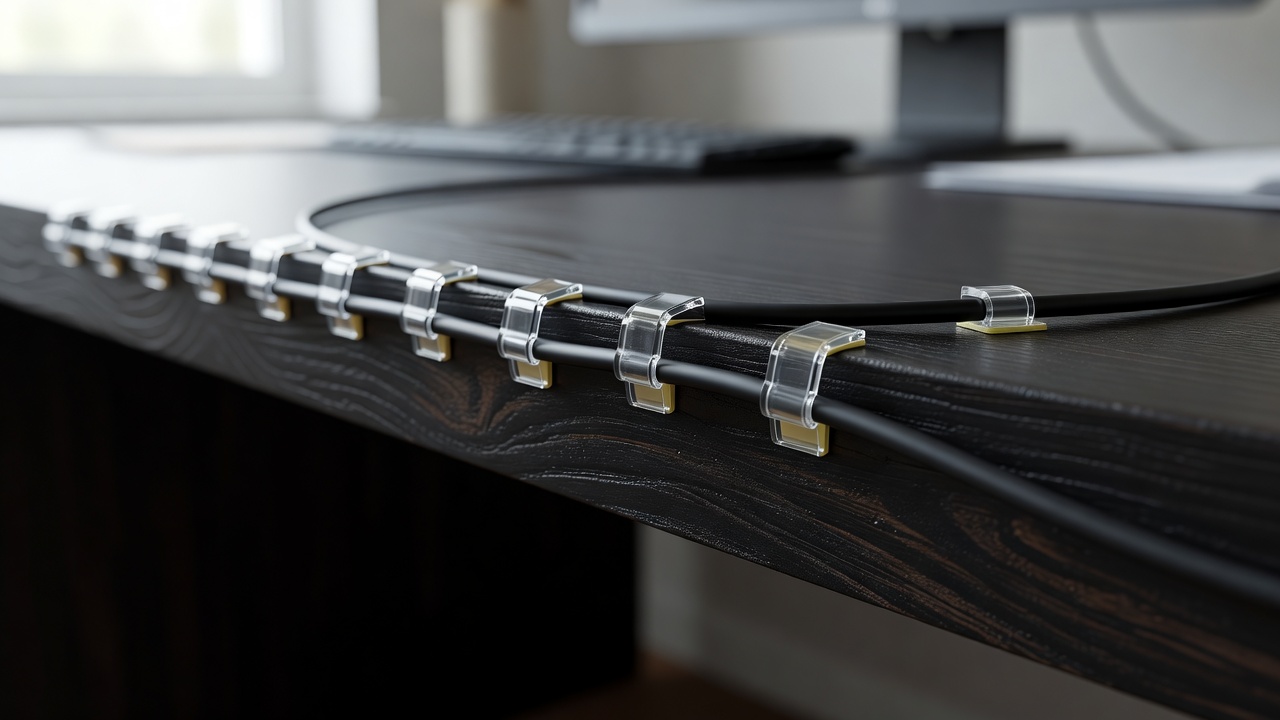
Some tangles are not knots; they are drapes. A single TV lead swinging from the wall to the floor, a charger line hanging off a desk edge, a lamp cord crossing a doorway. Nothing is tangled, but everything is visible. The fix here is routing: give each cord a path that follows a surface, and the eye stops reading it as clutter.
Clips and raceways are the two tools for the job. Clips handle the light work, one or two thin cords along a desk edge, skirting board or monitor stand. A raceway handles the heavy work: a rigid channel with a snap-on lid, fixed to the wall, that swallows several cords at once and can be painted to match.
The rule that decides between them is simple. Count the cords on the route and look at what the route crosses. Fewer than three cords along an existing edge: clips. Open wall, or more cords: raceway.
02 / Clips
Adhesive clips: what to buy and where they fail
Adhesive cable clips come in single-cord, multi-slot and drop styles, the last being a weighted holder that stops a cord slipping behind a desk. Pick by cord diameter. A USB-C lead is thin, an HDMI cable is a little thicker, a mains lead is the fattest. A clip that grips too tightly pinches the cord; one that is too loose sheds it.
The failure mode is almost always the surface. Adhesive pads need a clean, dry, smooth face. Wipe it with isopropyl alcohol, let it dry, and press firmly for about thirty seconds. Textured wallpaper, dusty skirting and fresh paint are where clips let go, so give newly painted walls a few weeks to cure first.
Screw-in or nail-in clips grip better but leave holes, which is a renter's problem rather than an engineering one. Place clips every 20 to 30 centimetres along a horizontal run so gravity does not pull the cord into a sag between supports, and leave a slack loop at each device end.
03 / Raceway
Wall raceways for TV runs
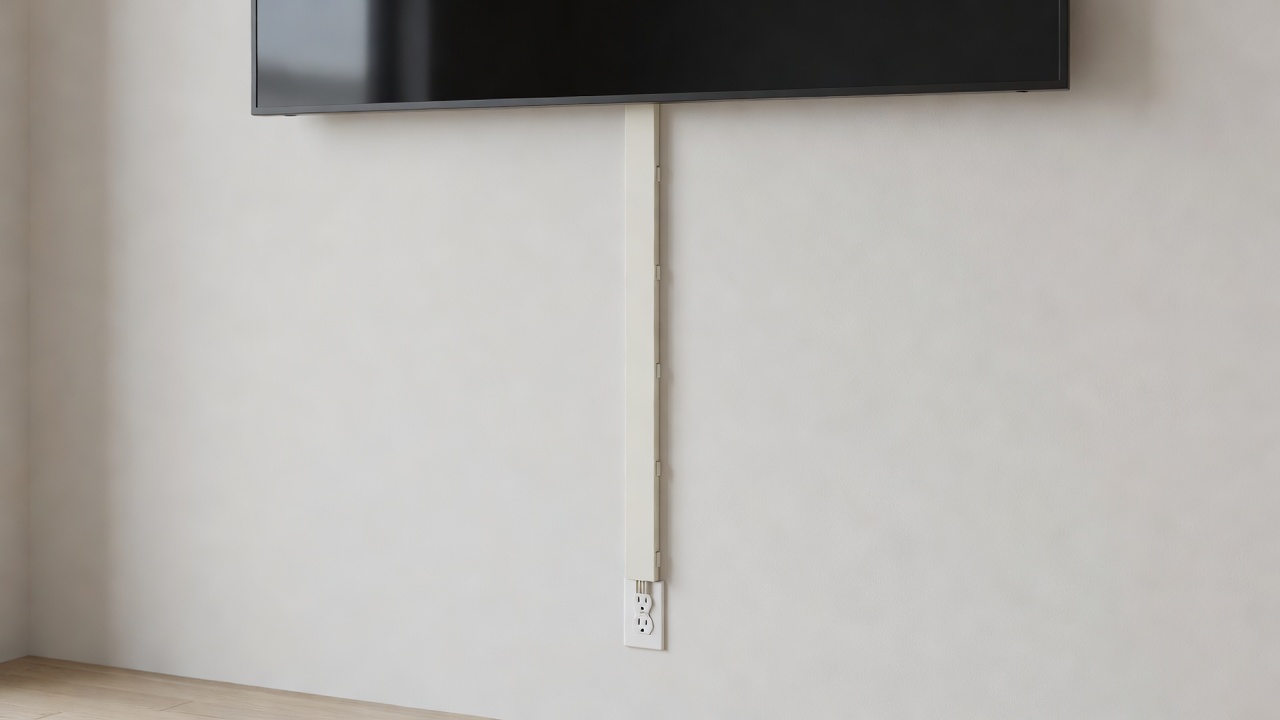
A cable raceway, sold variously as a cord cover or cable channel, is plastic trunking: a base fixed to the wall and a lid that snaps on. The wall-mounted TV with cords falling to a socket is the classic case. Raceway makes those cords disappear against the wall rather than merely tidy.
Measure the run, then add one corner piece per bend. Size the channel by cord count, not just cord width, because plugs are bulky at the entry point. A mains plug or the end of an HDMI lead must fit through the opening, or be fed in before you fix the lid. Cut with a fine-tooth saw, deburr the edge, and test-fit before you peel any tape.
Use adhesive backing for light runs and screws where the channel will carry several cords. Paint the lid in the wall colour; a small brush is enough. One firm warning: never push an ordinary mains lead inside a wall cavity. That needs in-wall rated cable and a qualified electrician. Surface raceway is the safe do-it-yourself alternative.
04 / Plan
Plan the route before sticking anything
Dry-run the route with masking tape: lay the cord along the planned path and tape it at the points where clips will go. Walk away, look from where you sit, and move anything that creates a visible diagonal. Straight edges and right angles read as intention. Diagonals read as repair.
Order matters. Fix the route nearest the device first, then work toward the socket, so slack accumulates at the end you can hide. Keep cords out of walkways; a cord at ankle height beats any adhesive. Do not run cords under rugs, because heat has nowhere to go and wear stays invisible until it fails. Avoid sharp bends, and ease cords round corners in a gentle curve instead.
Finally, give yourself a way back. Leave a loop big enough to reach the connector, and label the ends so that six months from now you know which cord is which.
05 / Next

