Hide the strip
01 / Symptom
What a strip in the open costs you

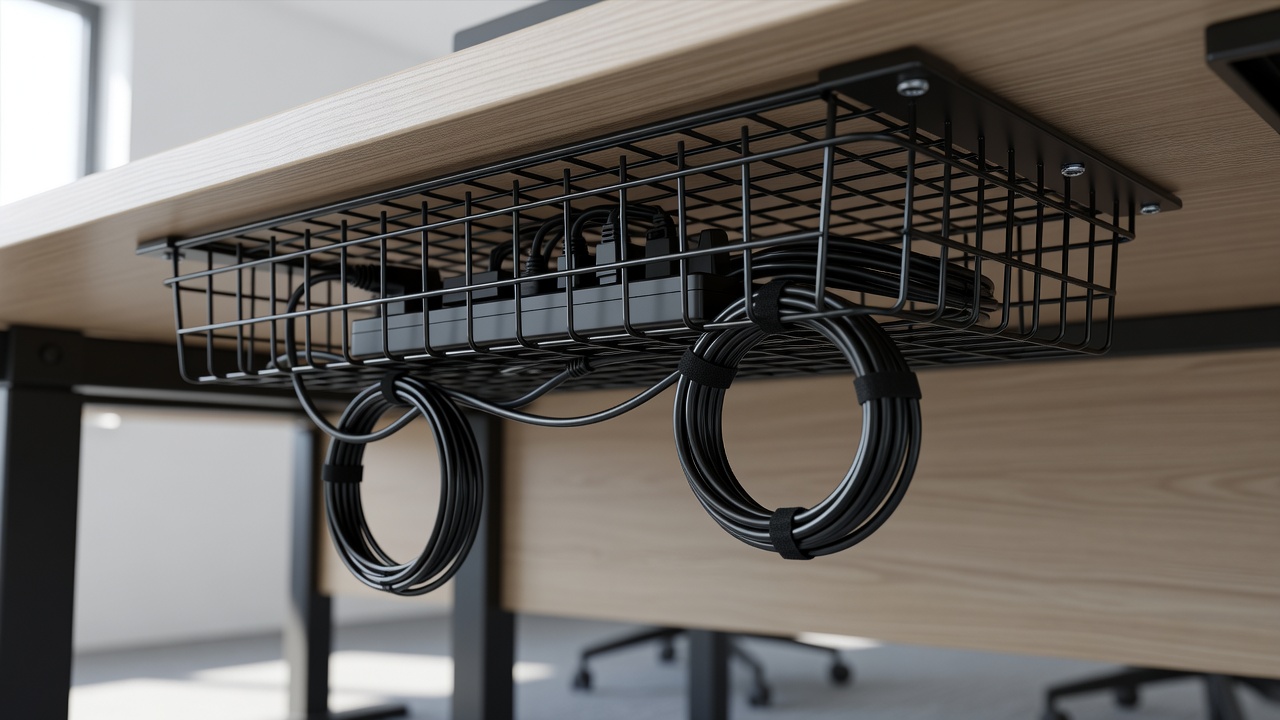
Field note: the power strip is the loudest object in any cable nest. It is not large, but it collects everything: the wall lead, the TV, the router adapter, a lamp, three charger bricks. Every plug sends a cord off in a different direction, and the strip sits at the centre of the spaghetti, usually on the floor, usually collecting dust.
A cable management box attacks that centre point. It is a lidded container, typically plastic or flame-retardant composite, with notched openings at each end. The strip goes inside, the plugs stay inside, and only the cords that have somewhere to go leave through the slots. The result is a plain box and a few tidy cords instead of a knot.
It is also the fastest fix in the log: unplug, drop in, route, close. Two minutes if the strip already sits within reach of the wall socket. The trade-off is bulk. A box is larger than a clip or a sleeve, so it needs floor or shelf space of its own.
02 / Spec
Choosing the right box
Measure the strip first, plugs included. Take the length, the width, and the height with the biggest plug fitted, because bulky adapters and angled plugs eat the spare room. Add a few centimetres on each side. A box that closes only by force is a box that bends cords.
Then check four specs. Ventilation: look for slots or gaps in the lid or base, since strips and the adapters plugged into them shed heat. Material: flame-retardant plastic is common; if a listing does not state a material, treat that as a flag. Slots: you want openings at both ends, ideally with removable tabs so a thick cord is not pinched. Lid: a hinged or lift-off lid helps when you need to reach the switch or reset button on the strip.
Region matters too. UK strips use BS 1363 plugs and are physically chunky; US relocatable power taps are covered by UL 1363. A box sized for one market can be tight for the other, so trust your tape measure, not the product photo. If your strip is a surge protector, which in the US is tested under UL 1449, give it a box with generous airflow.
03 / Install
Install it in six moves
Switch off and unplug the strip. Photograph which plug goes where before you touch anything.
Flag each cord with masking tape: TV, router, lamp, charger. Future you will be grateful.
Place the empty box where the strip lives. Floor against the wall is common; a shelf works if the box has mounting holes.
Set the strip inside, switch facing the lid. Run the wall lead out one end slot and the device cords out the other.
Fold excess cord inside the box in loose loops, not tight coils. Tight coils trap heat and stress the insulation.
Close the lid, power up, and check nothing is pinched at the slot edges. Then step back and look from your seat.
04 / Safety
Heat, load and mistakes to avoid
A box is a small enclosed space, so treat it like one. Never plug one power strip into another inside the box; daisy-chaining is how overload starts. Add up the wattage of what you plug in and stay under the rating printed on the strip itself. Chargers, consoles and monitors are fine. Heaters, kettles and other heating appliances do not belong on a strip at all, boxed or not.
Give the box air. Leave a gap behind it and do not bury it under blankets, laundry or a curtain. After the first hour of use, lay the back of your hand on the lid. Warm is acceptable. Hot is a signal: unplug, remove a load, and pick a box with larger vents.
Watch the exits for pinched cords; a squashed lead is a repair job waiting to happen. And if the strip has been dropped, scorched or has loose sockets, replace it rather than hiding it. A neat box around a damaged strip is still a damaged strip. This log is general guidance, not an electrician's sign-off, so follow the manufacturer's instructions.
05 / Next