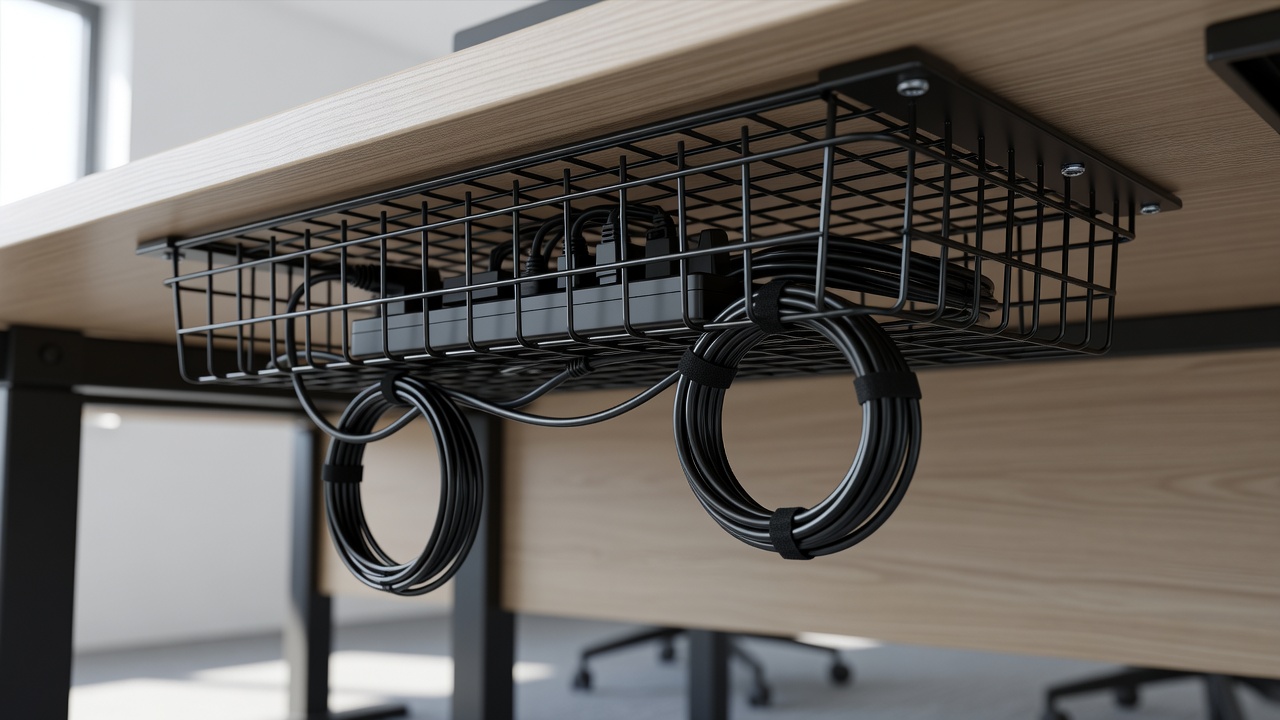
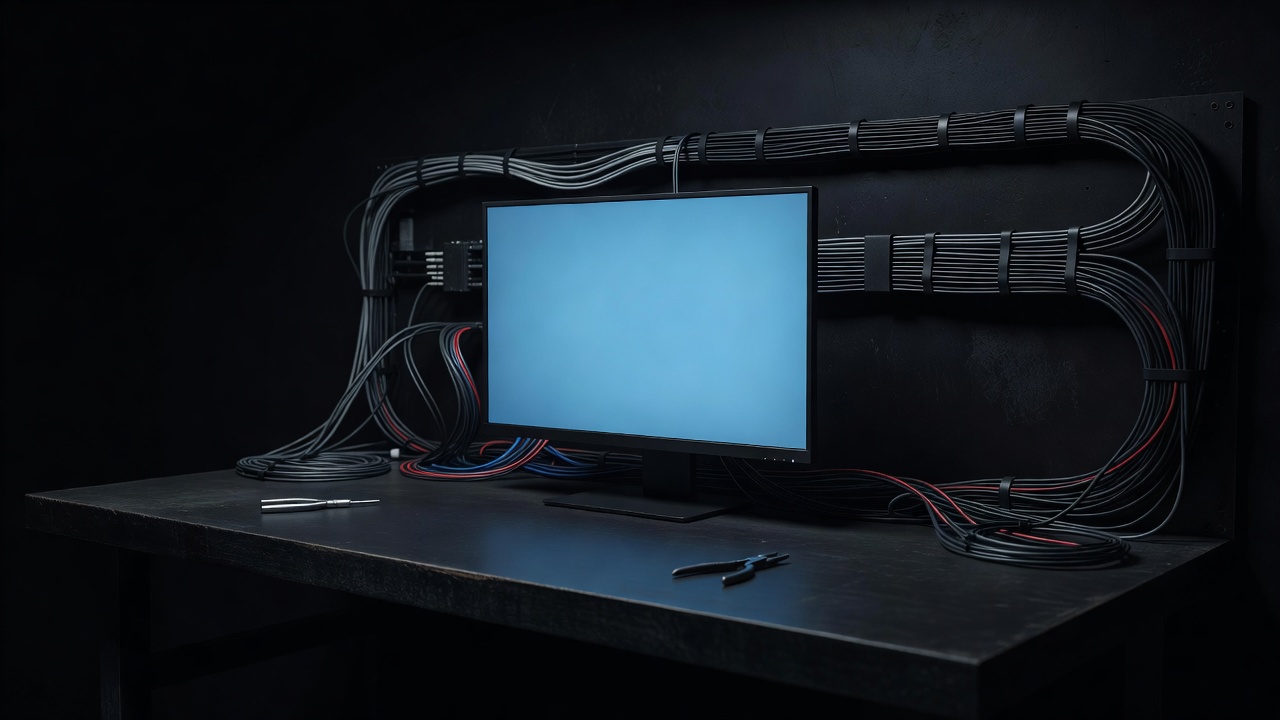
Zip-up neoprene
The easiest to live with. Reopens in seconds and suits three to six cords behind a TV or desk. It is a little thick, which is the price of the zip.
01 / Symptom

Behind a TV or monitor there are usually four to six cords leaving the same ports at slightly different angles: power, HDMI, a USB hub, audio, maybe an ethernet lead. Individually they are fine. Together they fan out into a spray that no single clip can tame. Bundling fixes it, but bundling badly gives you a rope with a visible bulge where the plugs cluster.
A cable sleeve gives the bundle one skin. Zip-up neoprene sleeves, split braided sleeves and spiral wrap are the main families. All of them turn several cords into a single line that can then be clipped or routed. Hook-and-loop ties, often sold under the Velcro brand name, are the companion product: short straps that hold a bundle without cinching it.
The goal is a bundle you can open. If you ever need to add a cable, you want to reopen the sleeve, not cut it.
02 / Types
The easiest to live with. Reopens in seconds and suits three to six cords behind a TV or desk. It is a little thick, which is the price of the zip.
Flexible, hugs the cords and follows curves well. It closes by overlap, so the seam needs a tuck now and then.
The cheapest option and simple to add or remove. The look is more technical than neat, but it bends anywhere.
Permanent and very tidy. Only for cords you will never swap, which rules out most of the desk.
Sizing is where most people slip. Gather your cords into a loose bundle, measure its diameter, and choose a sleeve slightly larger, allowing roughly a quarter more room than the bundle strictly needs. A zip sleeve should close without strain; if you are fighting the teeth, go up a size.
03 / Example
Take a monitor with power, HDMI, USB-C and a headphone extension lead.
Unplug everything. Measure from the monitor ports to where the cords meet the desk, then add 10 cm of slack at each end.
Lay the cords flat and parallel. Comb them with your fingers so none cross.
Open the sleeve, lay the bundle along it, and zip from the middle outward so it closes without strain.
Leave 5 to 8 cm of cord free at the monitor end, where the plugs differ in length and each needs to reach its own port.
Add a hook-and-loop tie near each end so the sleeve does not creep along the cords.
Reconnect, move the monitor through its full range, and check that no cord pulls tight.
04 / Faults
Over-stuffing is the main one. A sleeve filled to capacity looks like a sausage and stops the cords moving, which is a problem on a standing desk or a swivel arm. Size up.
Second, cinching mains cords tightly together over a long run. A tight bundle of high-load power leads can trap heat, so keep power cords loosely bundled and never coil excess mains cord in tight loops. Third, taping cords together with electrical tape. It leaves residue and cannot be undone; ties and sleeves exist for exactly this job.
Fourth, no labels. A tape flag on each end of each cord costs a minute and saves the guessing later. Fifth, ignoring strain at the connectors. Leave a gentle curve at the plug, because a cord pulled straight out of a port eventually kills the port. USB-C and HDMI connectors tolerate bends, but they dislike sharp kinks right at the plug.
05 / Next
// field log closed: cables hidden, tickets resolved.
Cookies on this site Some cookies are needed for the site to work. Others help us understand how it is used. You can change your choice later. Read more